Your creative assets should keep working.
Foli remembers who made the work, where it happened, what it belonged to, and which professional profile it serves—so every asset stays useful long after a project closes.
 Foli
Foli Foli 2.1
Foli is creative asset management for the whole practice. Store and organize photos, video, people, places, credits, and notes across multiple professional profiles—then turn the same work into social posts, portfolios, résumés, and presentations.

Foli 2.1 is available now on the Mac App Store.
Foli remembers who made the work, where it happened, what it belonged to, and which professional profile it serves—so every asset stays useful long after a project closes.
Gather photographs, video, credits, collaborators, dates, venues, rights, and notes in one place. Search the complete library or stay inside a single project, profile, or body of work.
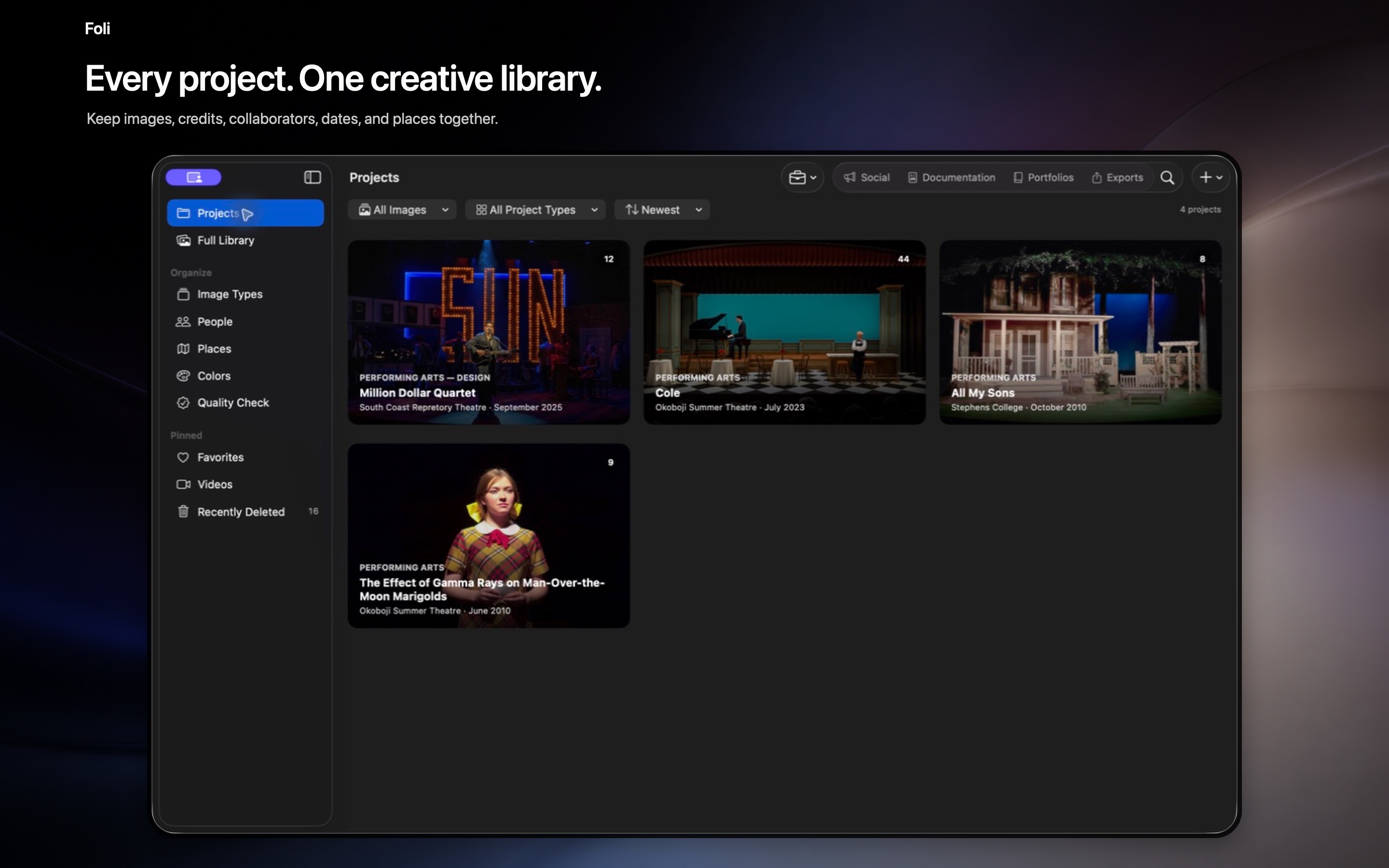
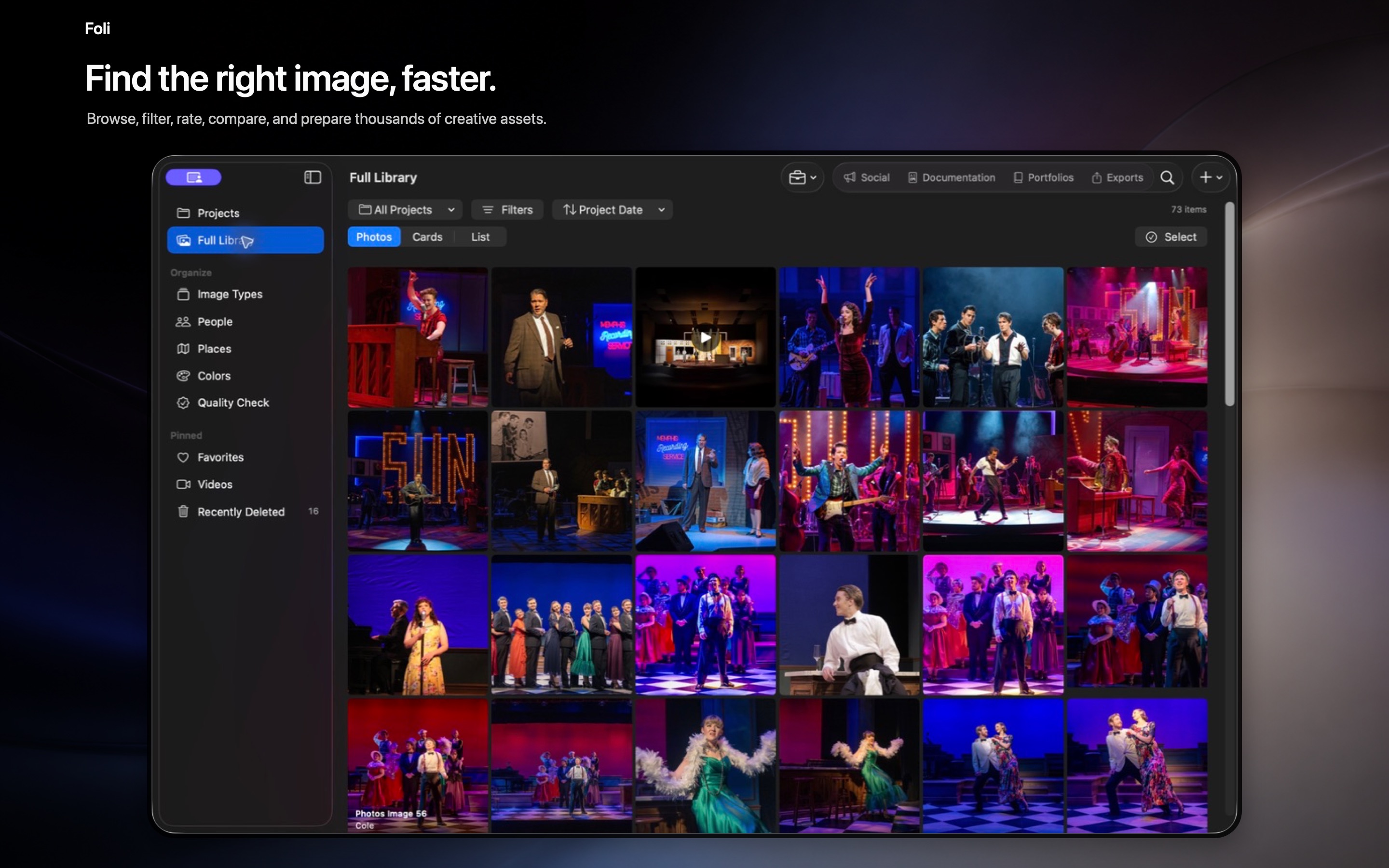
Save the work with its people, places, rights, roles, and project history—not as another loose folder of images.
Move through geotagged photographs on an Apple map, then open the complete gallery connected to a location.
Review private, on-device name suggestions while keeping each collaborator’s role specific to the project or production.
Keep distinct professional profiles for different roles, disciplines, and bodies of work while managing their assets from one private library.
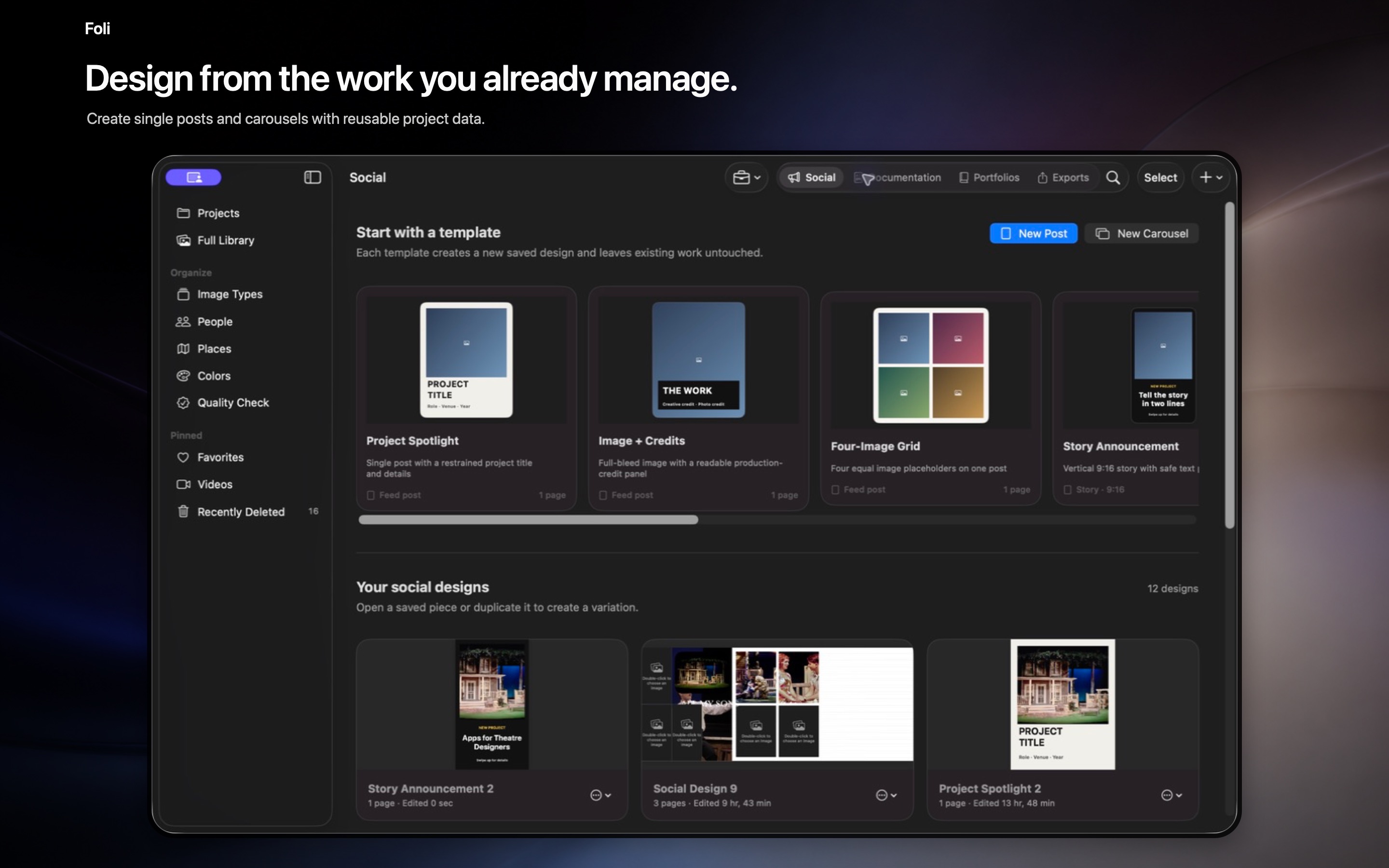
Make portfolios, résumés, presentations, social posts, carousels, and multi-clip Reels from work you already organized.
Explore what Foli can make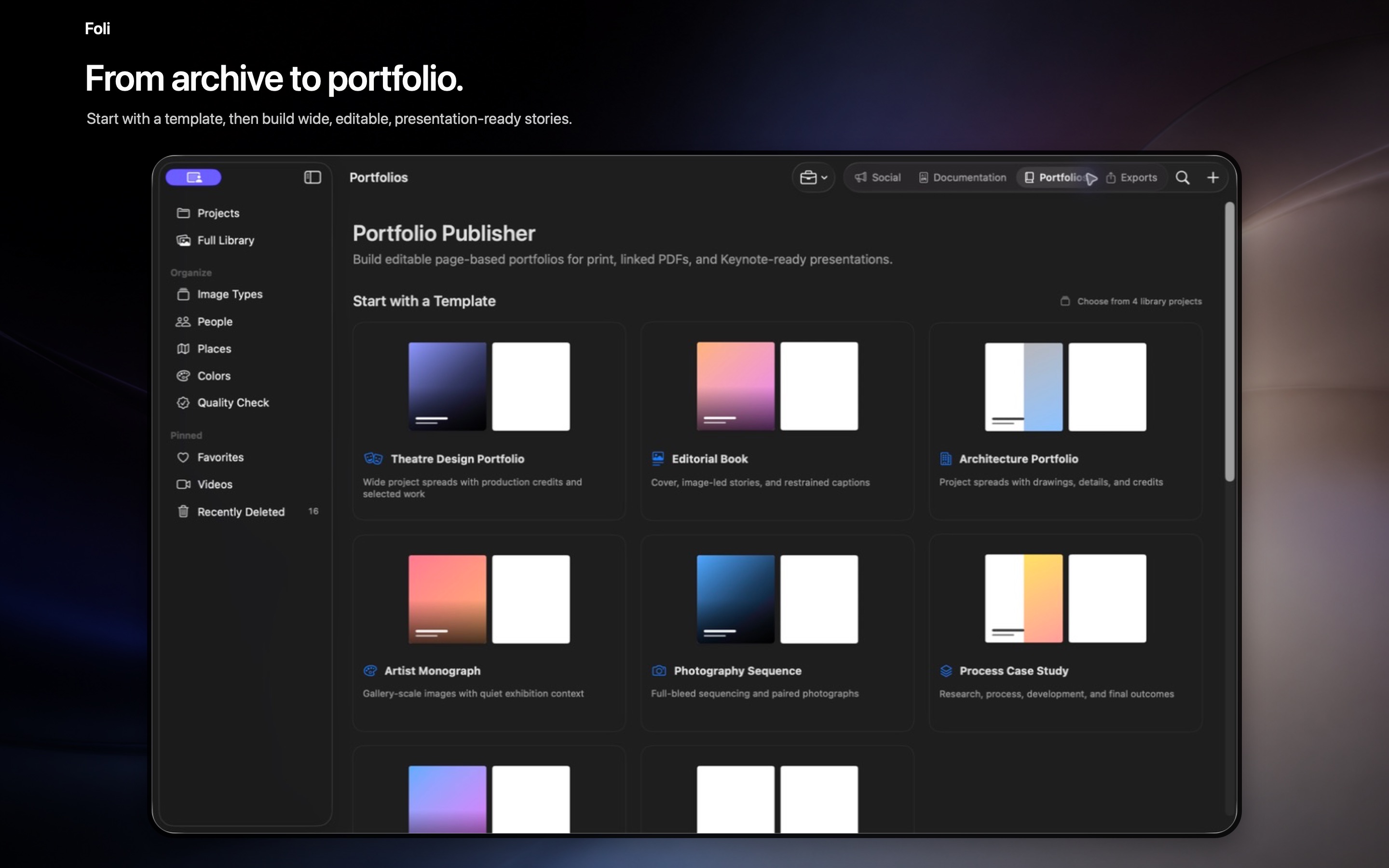
Move several images between projects, choose project covers, and switch between cropped and full-aspect views without losing context.
Create Reels with multiple clips, editable layers, type, graphics, audio, timing, overlays, and transitions.
Reuse confirmed credits, descriptions, and media across portfolios, documents, presentations, posts, and Apple Mail outreach.
Released August 18, 2026 · Free on the Mac App Store
Foli has no public feed and never changes your originals. Full-resolution managed originals can live in Foli’s private iCloud space, with edits kept nondestructive and under your control.