

Projects
Keep every image connected to its project type, dates, venue, collaborators, credits, descriptions, and professional profile.
 Foli
Foli
Foli 2.1 keeps assets, context, professional profiles, and publishing tools inside one private Mac workspace.
Projects and the full library stay close without becoming the same thing. Move between a focused story and the whole practice without losing your place.
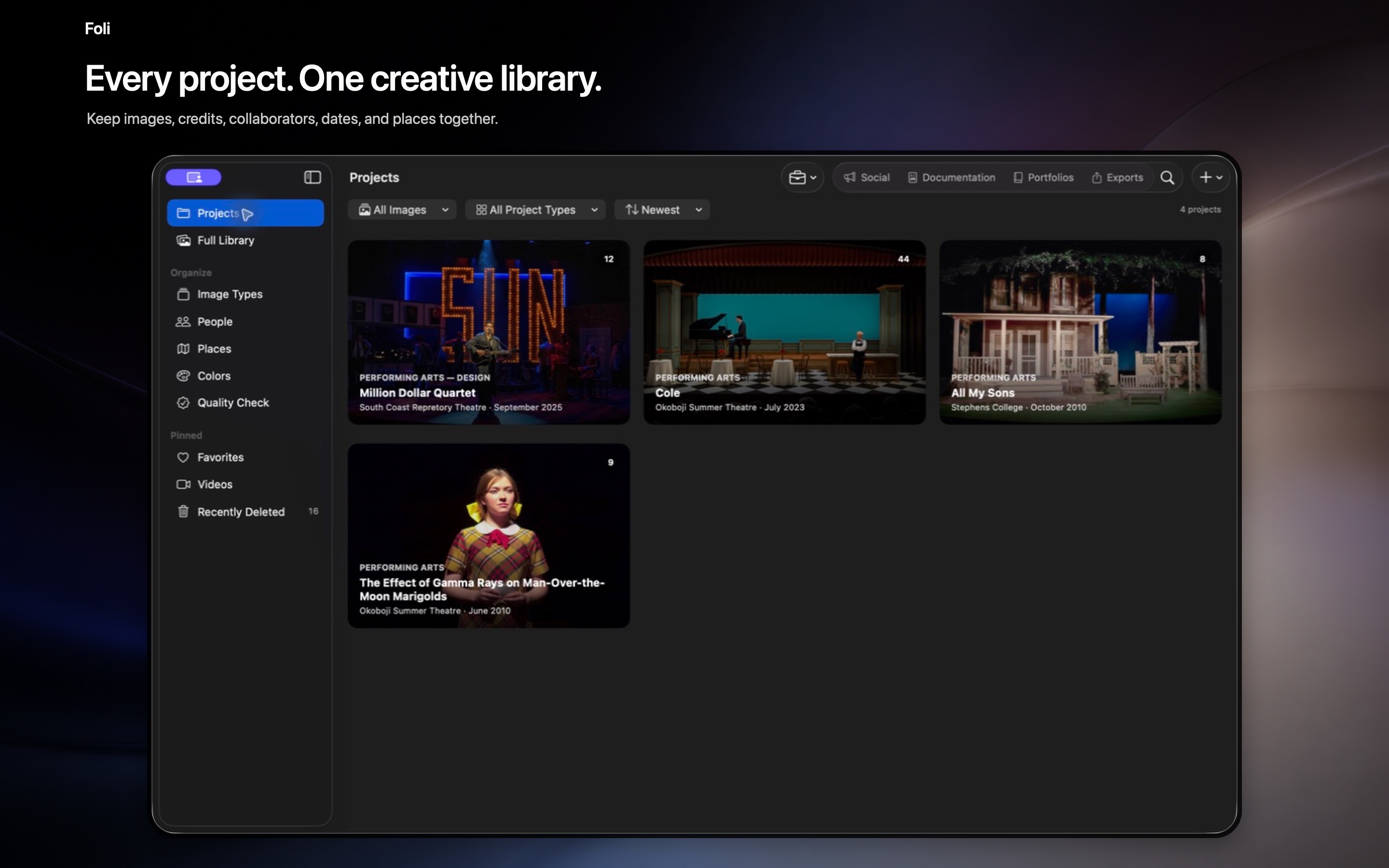
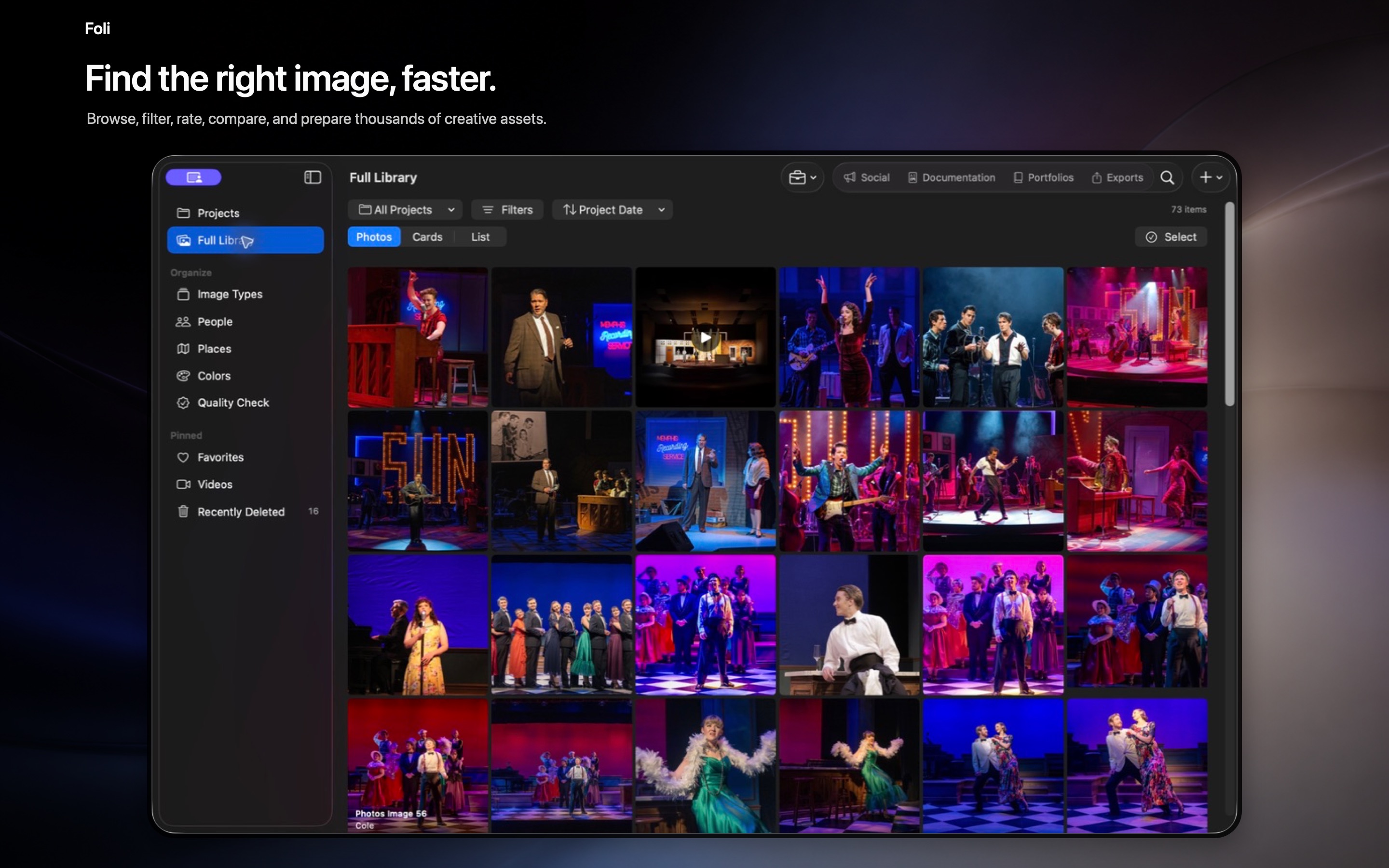
Keep every image connected to its project type, dates, venue, collaborators, credits, descriptions, and professional profile.
Browse across every project, compare selections, move several assets at once, choose project covers, and filter without losing context.
Use private, on-device name suggestions while keeping every collaborator’s role specific to the project or production.
Move through geotagged photographs on an Apple map and open the complete gallery connected to a location.
Switch between uniform thumbnails and full image aspect ratios throughout the library, projects, Quality Check, and Social Studio.
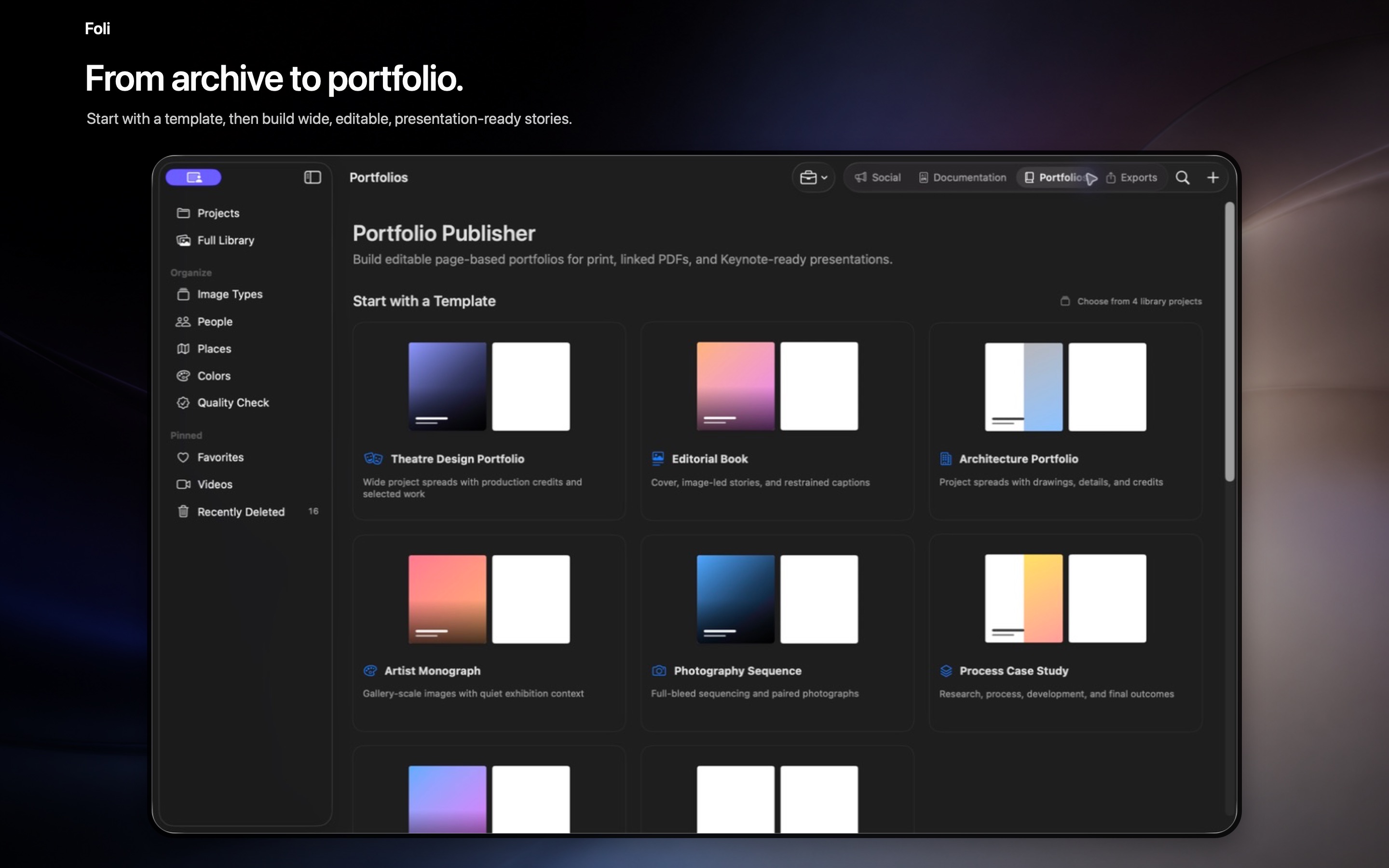
The same confirmed assets and credits can become social posts, portfolios, presentations, and career documents without rebuilding the story each time.
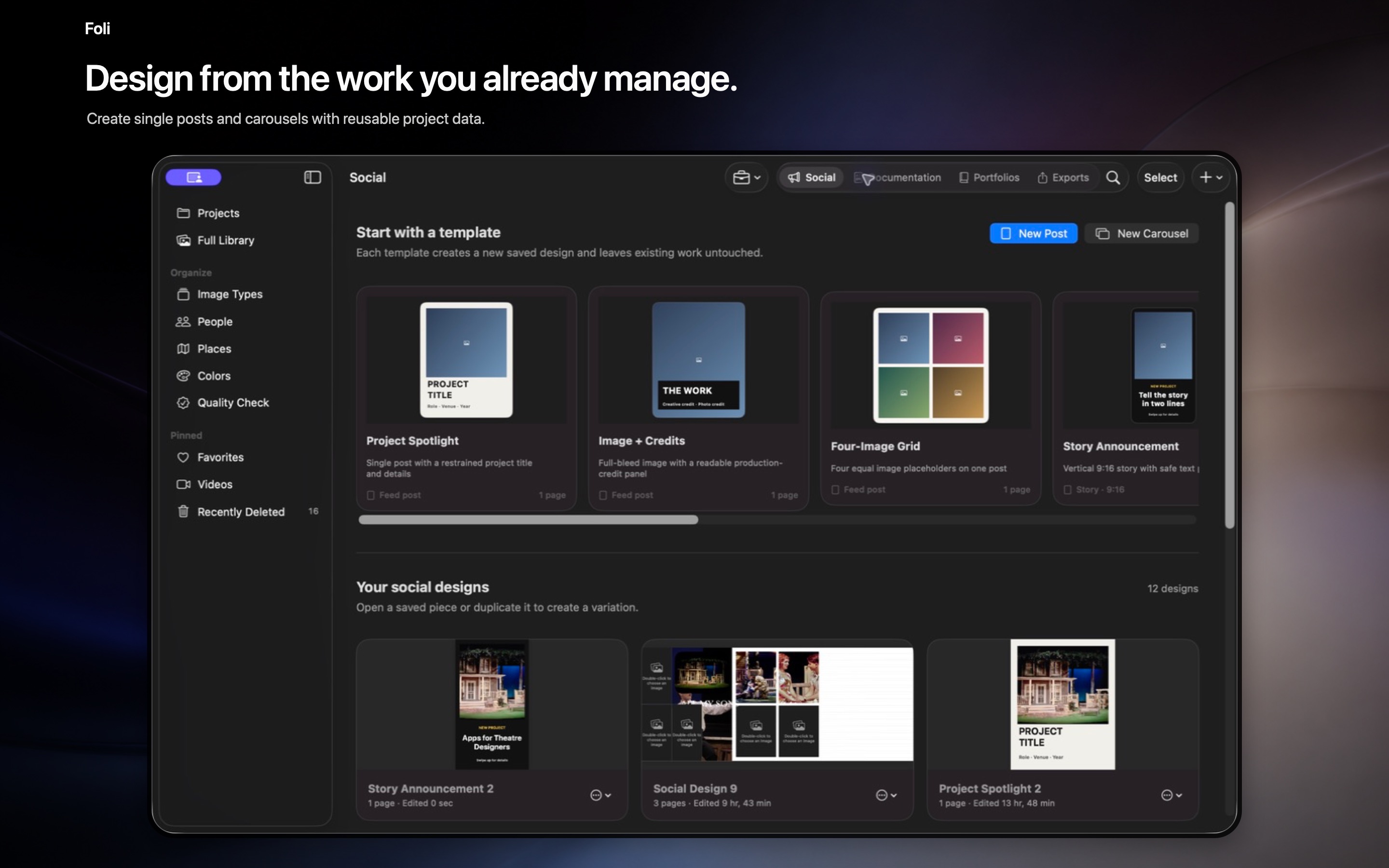
Create posts, carousels, and Reels with movable layers, type, graphics, media, audio, captions, timeline frames, and transitions.
Maintain reusable career and project records, then assemble distinct résumés or CVs for different professional profiles.
Build editable portfolios, books, process case studies, photography sequences, PDFs, and presentation-ready stories.
Design standards-based HTML outreach from saved work and open the finished draft in Apple Mail for final review.
Search task-based guidance inside a dedicated Help window when you need an answer about importing, organizing, creating, or publishing.
Keep full-resolution managed originals in Foli’s app-specific iCloud workspace while optimizing local storage when needed.